Chart Of Accounts Template For Small Business
The list nobody wants to build and everybody has to live with: how many accounts you need, how to number them, and how to keep the structure from becoming a museum of one-off decisions.
Who this page is for
You are setting up bookkeeping from scratch, moving off a shoebox or off a spreadsheet where every expense went into one column called "misc". Or your accountant asked for a chart of accounts and you are not certain what shape it should take. Or you have a file that has grown organically for two years and now has three versions of "software" and a category named after a single customer.
A chart of accounts is a filing cabinet, not a report. Done well it disappears — you file a transaction and the reports assemble themselves. Done badly it costs you every month, because the same purchase lands in a different drawer each time.
The structure: five types, one order
Every chart of accounts, in every small business, is a list of five kinds of account, conventionally presented in this order:
- Assets — what the business owns: bank, cash, card clearing, equipment, vehicles, amounts customers owe you.
- Liabilities — what it owes: supplier bills, card balances, loans, tax payable.
- Equity — owner capital, owner draws, retained earnings.
- Income — sales, grouped by product or service line.
- Expenses — cost of goods sold first, then operating costs by nature.
Numbering follows the same logic. A common convention, used by many small-business templates and accountants, is four-digit blocks: 1000–1999 assets, 2000–2999 liabilities, 3000–3999 equity, 4000–4999 income, 5000–5999 cost of goods sold, 6000–6999 operating expenses, and 7000+ for other income and expense. The exact numbers are a convention, not a law — what matters is that the blocks are reserved and consistent, so a glance at the first digit tells you the type.
What makes a chart of accounts usable
- One place per decision. Each kind of transaction has exactly one obvious home. If a purchase could reasonably go in two accounts, the structure is wrong, not the bookkeeper.
- Names that read like the business. "Subcontractors — install" beats "Professional fees 2". You should recognise the drawer without opening the manual.
- Room to grow without renumbering. Leave gaps in each block. Adding 6150 between 6100 and 6200 is painless; inserting an account between 6101 and 6102 is not.
- A map to the tax return. Each account should roll up into a line your tax filing actually uses. A chart that is beautiful but unmappable means re-doing the classification in April.
- Small enough to hold in your head. For a business of one to ten people, roughly thirty to sixty accounts is usually enough. Beyond that you are building a reporting system you do not read.
Where the free templates stop
The measured results for this query are led by a generator site that assembles a chart from a few questions and exports it, plus accounting vendors offering their standard chart as a free file. Both give you a plausible list; neither gives you the two things that make the list survive contact with your business.
First, the mapping: a generic chart does not know which lines your return needs, so you end up with categories that must be merged by hand each year. Second, the guardrails: nothing in a downloaded list prevents a new account being invented for a single purchase, which is how charts of accounts die. What you need is not a longer list, it is a short list plus dropdown validation and a rule that new accounts are added deliberately.
Building yours, step by step
- Start from your transactions, not from a template. Take the last three months of bank and card statements. Group the lines by what they were for. You now have the real categories your business uses — usually far fewer than a generic template suggests.
- Reserve the number blocks as above, and write the block rule at the top of the sheet so future-you does not break it.
- Write assets first, one account per bank account, one for cash, one for card clearing, one for "accounts receivable" if you track invoices, plus equipment and vehicles if you own them at material value.
- Then liabilities: supplier bills, card balance, loans, tax payable. Separate tax payable from other liabilities — it is not your money and you want it visible.
- Then income, split only where you would actually make a decision: by service line or by product family, not by customer.
- Then cost of goods sold — materials, direct labour, subcontractors, freight — and operating expenses by nature: rent, utilities, software, insurance, marketing, professional fees, bank charges, travel, and an explicit "owner draws" line in equity rather than an expense.
- Map every account to a tax line in a fourth column. If an account has no mapping, either it is unnecessary or you have found a gap in your understanding — both are useful to know now.
- Lock the list. Put it on its own sheet and drive every category dropdown in your bookkeeping from it. Adding an account becomes an edit in one place, with a date in a notes column.
Mistakes that ruin the structure
- An account per customer or per purchase. Charts grow a drawer for one invoice and never lose it. Group by nature; use the counterparty field for names.
- Mixing cost of goods sold with overheads. If materials sit in the same block as rent, gross margin is meaningless and pricing decisions are made on a wrong number.
- Owner spending as a business expense. Personal purchases belong in owner draws, not in expenses; otherwise the profit figure is wrong and the tax position is worse.
- Renaming accounts mid-year. History and reports split across two names. Add a new account and retire the old one with a note instead.
- Sixty accounts when ten are used. If a category has one transaction a year, it is a note in the description, not an account.
- No mapping to the return. The annual ritual of re-sorting every expense into tax lines is a symptom of a chart built without that column.
Frequently asked questions
Questions below are the actual search phrasings from Google Suggest (US), measured 2026-10-26.
- Chart of accounts numbering — do I have to use four digits?
- No. Numbers exist to group and sort, not to satisfy a rule. Four-digit blocks are simply the most common convention: 1000s assets, 2000s liabilities, 3000s equity, 4000s income, 5000s cost of goods sold, 6000s operating expenses.
- Chart of accounts numbering system — how do I leave room to grow?
- Leave gaps inside each block. Adding 6150 between 6100 and 6200 is painless; inserting an account between 6101 and 6102 forces a renumbering that splits history. Decide the gap size once and keep it.
- Chart of accounts example — how many lines does a small business need?
- Roughly thirty to sixty including headers. Derive them from the last three months of statements rather than from a generic template: your real transactions tell you which drawers you use, and the rest is furniture you will never open.
- Chart of accounts list with examples — where do sales tax and owner draws go?
- Collected sales tax is a liability until remitted — not income, not an expense. Owner draws belong in equity, not in expenses; otherwise profit is understated and the tax position is worse. Both are the two most common misplacements in small-business charts.
- Chart of accounts template for small business — can I change it later?
- Yes, by adding and retiring accounts rather than renaming them. A retired account keeps its history readable; a renamed one splits the same story across two names and makes year-on-year comparison guesswork.
- Chart of accounts template Excel — can one structure be shared with my accountant?
- Yes, if it carries a mapping column from each account to the line your return uses. That column is what turns a list into something an accountant can work with, and it is the part generic templates almost always omit.
When the list needs to be wired to the book
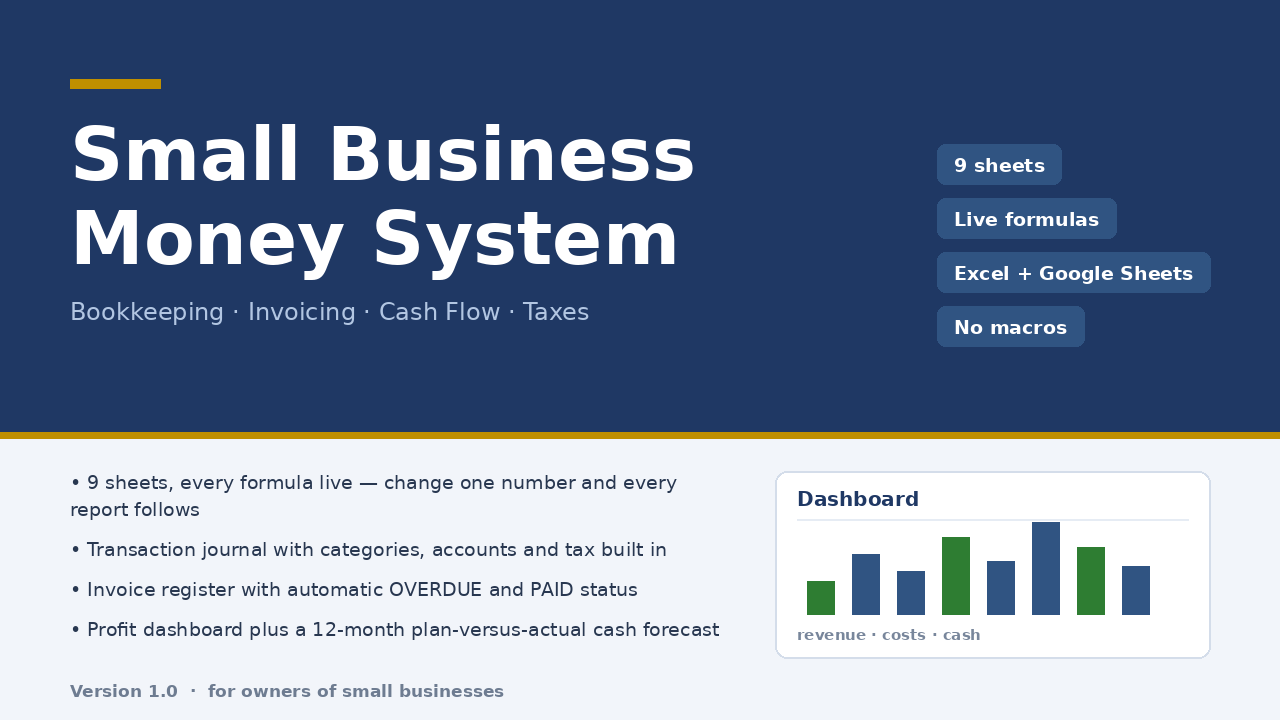
A chart of accounts is only half the job — the other half is every transaction landing in the right drawer automatically. Micro-Business Money System ships the list as a working sheet: 14 income categories, 20 expense categories, accounts, payment methods and clients on a Lists sheet, every journal row driven by dropdowns from it, and a Categories Year report that reconciles to the dashboard by quarter. Nine sheets, live formulas, no macros, ten minutes of setup, $47 once.
Honest limits: the category list is a starting point built for a service or trade business — you will rename some lines for your industry, and it is not mapped to any specific country's tax return. The file does not connect to a bank; dropdowns after a Google Sheets import should be re-checked. Verified with 22 structural checks and 85 number reconciliations against an independent model, zero discrepancies; not opened in a desktop Excel during checking. Not tax or legal advice.
Read the full description — $47 once
On Getly the workbook is in the shop ZRN Tools — Small Business Spreadsheets; the listing is still in the marketplace’s review queue, so its own page is not public yet — this block becomes the direct purchase link as soon as it is approved.