Google Spreadsheet Template
For the owner who has outgrown a shoebox of receipts and wants one Google Sheets file that holds the whole business — and still makes sense in month three.
Who this page is for
You run a business of one to ten people. Money arrives from clients, leaves for supplies, software, subcontractors, tax. You do not have a bookkeeper on staff, and hiring one is not the next step — seeing your own numbers is. You have probably already downloaded a free Google spreadsheet template, filled in eleven rows, and stopped, because nothing on the sheet told you what to do next.
That is a structure problem, not a discipline problem: most free templates are a single sheet with a title row, while a business needs a place where money enters, a place where debts are tracked, and reports derived from both.
What makes a template a system
Before comparing templates, decide what you are actually buying or downloading. Five requirements separate a working book from a pretty grid:
- One place where money enters. A single journal, one row per real movement — date, type, category, account, counterparty, amount, tax, total, paid or not. If a figure can be typed in two places, it will eventually disagree with itself.
- Invoices as a second register, not a second ledger. The invoice sheet answers exactly one question: who owes me, and for how long. It should not repeat the income that the journal already records.
- Live formulas, zero typed totals. Profit, cash on hand, margin and category spend must be computed from the journal. A total that you typed by hand is a total that goes stale the moment you add a row.
- Reports derived from the same data. At minimum: revenue, costs, profit, cash on hand, receivables, payables, and a month-by-month table. One source, several views.
- A tax line that is an estimate, clearly labelled. Your rate goes in a settings cell; the file multiplies. It is a planning figure, not a filing.
If a template fails any of the first four, you will reconcile it by hand within a month.
Where the free templates stop
The measured search results for this query (see the box above) are dominated by free files, and it is worth knowing what kind of free they are. Three patterns repeat:
- Vendor lead magnets. Accounting and payments companies publish free templates to collect an email and introduce their product — Xero, Wise, PayPal, FreshBooks, Zoho, BILL, QuickBooks and Expensify all appear in this space. The files are usually competent but deliberately narrow: an invoice here, a profit and loss sheet there.
- Single-purpose sheets. One budget, one expense log, one invoice. Useful as a form, useless as a system, because nothing connects the expense log to the profit figure.
- Generators. Sites that assemble a sheet from your answers and hand you a CSV or a copy. Fast for a one-off list; they do not maintain relationships between sheets, and a CSV import breaks formulas that referenced the generator's layout.
None of that makes free templates bad. It makes them a starting point with a ceiling: the moment you need profit and cash and receivables to agree with each other, the single-purpose file has nothing to say.
Setting it up, step by step
- Fix the unit first. One row = one money movement, or one row = one invoice. Write the rule at the top of the sheet and never break it. Mixed granularity is the single most common reason a home-made book stops reconciling.
- Build a Lists sheet. Income categories, expense categories, bank and cash accounts, payment methods, clients — each as its own column. Everything else points at these columns with data validation, so a typo cannot create a new category.
- Build the journal. Date, type (income or expense), category, account, description, counterparty, invoice number, amount before tax, tax rate, tax, total, paid flag. Put tax and total on formulas.
- Build the invoice register. Invoice number, client, issue date, due date, amount, paid amount, status, days overdue. Status and days overdue should be formulas driven by the paid amount and today's date — not a colour you apply by hand.
- Build the dashboard. Revenue, costs, profit, margin, cash on hand, receivables, payables, tax collected. Every one of them a formula over the journal or the register. Add a month-by-month block underneath, because a single annual total hides the bad month.
- Add a 12-month cash flow block. Plan versus actual by month: money in, money out, closing balance. This is the sheet that answers "can I pay the next bill", which profit alone does not.
- Protect what should not be edited. Freeze the header row, name your ranges, protect formula cells, and keep the settings (business name, year, tax rate, payment terms) on one setup block. Then import a test row and confirm every report moves.
Mistakes that break the books
- Confusing the price with the total. If you sell for 1,000 plus tax, the profit belongs to 1,000 and the cash that hit the bank is the total. Use one column for the price and one for the total, and be explicit about which one each report reads. Mixing them is why people say "I made a profit but there is no money".
- Counting the same sale twice. An invoice is not income. If issuing an invoice adds to revenue and receiving the payment adds again, your revenue is inflated by every unpaid invoice. Choose cash basis (money counts when paid) or accrual (when invoiced) — and then never mix the two inside one file.
- Totals and charts outside the data range. A hand-written
SUM(D2:D50)silently ignores row 51. Structured tables or full-column references fix this; anything else fails quietly, which is worse than failing loudly. - Dates stored as text. "12/03" typed as text sorts alphabetically and drops out of month-based sums. Format the date column as a date before you enter a single row.
- Categories invented on the fly. A free-text category column becomes forty spellings of "advertising". Dropdowns from a list keep the category report readable.
Frequently asked questions
Questions below are the actual search phrasings from Google Suggest (US), measured 2026-10-26.
- Google spreadsheet templates free — what is the catch?
- The free ones really are free; the catch is scope. Most are single-purpose — a budget, an expense log, an itinerary — and were published to collect an email or introduce a product. Free costs you the hours of connecting them.
- Google sheets template gallery — is anything in it worth using?
- The gallery is a good source of forms, not of books. Pick a file whose structure you can read in a minute, copy it, and treat it as a starting point for one job — then check whether it has a place where money enters and a report derived from it. If both are missing, keep looking.
- Google spreadsheet template for expenses — which columns do I actually need?
- Date, type (income or expense), category, account, description, counterparty, amount before tax, tax, total, paid flag. Ten columns cover almost every small business; anything extra should be a dropdown from a list, not free text. If there is no total column, tax will be added by hand and eventually be wrong.
- Google spreadsheet template for inventory — can it double as bookkeeping?
- Only if the same row also records the money: what you paid, when, from which account. An inventory sheet tracks quantity, and quantity is not cash. The practical answer is two sheets that share one category list, so a purchase appears both as stock and as an expense without being typed twice.
- Google sheets template for business expenses — how do I keep it consistent with sales?
- Put sales and expenses in the same journal, distinguished by a type column, and drive both from the same category list. Two separate files means two ways to spell the same category, and a profit number you cannot trust without manual rework.
- Google spreadsheet template for monthly expenses — monthly totals or one row per transaction?
- One row per transaction, always. Monthly totals destroy the detail you need when a number looks wrong, and they make it impossible to answer which client or supplier produced the change. Monthly views belong in a report sheet computed from the rows.
When the free template stops being enough
Free files are a fair start. They stop being enough at the point where your profit, your cash and your receivables have to agree — and nothing in a single-purpose sheet makes them agree.
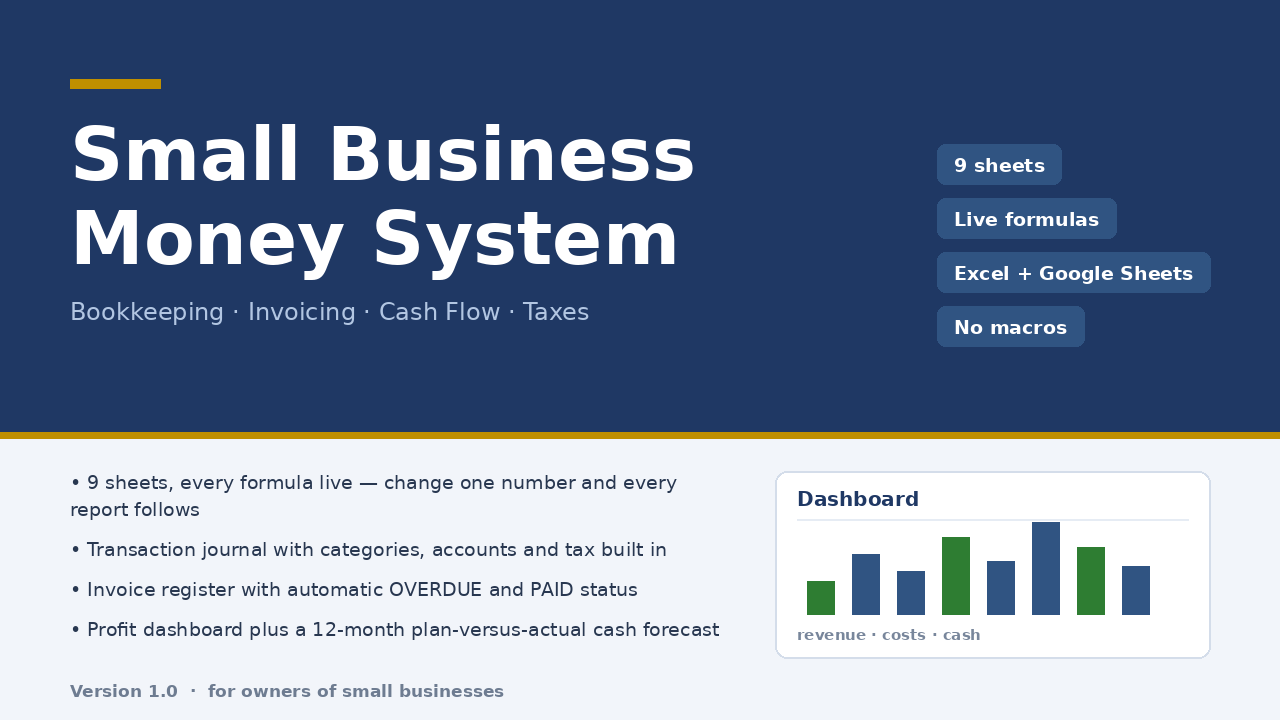
Micro-Business Money System is a nine-sheet workbook built for exactly that moment: a 300-row journal as the only place money enters; a 60-row invoice register that computes PAID, OVERDUE, PARTIAL and days overdue by formula; a dashboard with revenue, costs, profit, margin, cash on hand, receivables, payables and tax collected; a 12-month cash flow plan versus actual; a category report reconciled to the dashboard; and a tax estimate driven by the rate you enter. No macros, no subscription, ten minutes of setup. It is a file, not a service: $47 once.
Honest limits: it is an .xlsx workbook that opens in Excel and imports into Google Sheets — dropdown lists and conditional formatting after import were not verified in this build, so check the lists first. It does not connect to your bank, does not do multi-currency or inventory, and the tax sheet is an estimate at your own rate, not tax advice. Checked with 22 structural checks and 85 number reconciliations against an independent model, zero discrepancies.
Read the full description — $47 once
On Getly the workbook is in the shop ZRN Tools — Small Business Spreadsheets; the listing is still in the marketplace’s review queue, so its own page is not public yet — this block becomes the direct purchase link as soon as it is approved.