Bookkeeping Template for Small Business
For the owner who has decided to keep the books properly and now needs to know what the book has to contain — before choosing a file, and before believing that a template alone is bookkeeping.
Who this page is for
You are the owner of a business of one to ten people, and you have moved past the shoebox. Either a lender, an accountant or your own uncomfortable feeling has told you that the numbers need to be kept in a way someone else could check. You are not looking for software with a subscription, and you are not hiring a bookkeeper yet. You want a file, and you want it to be right.
The distinction that matters here is between a bookkeeping template and a bookkeeping practice. The template is a set of sheets. The practice is an order of operations — record, categorise, reconcile, report, close — and a template only earns its name if it supports that order instead of fighting it.
What bookkeeping actually is for a business this size
Bookkeeping is not accounting and it is not tax filing. It is one repeating cycle, and every file that works is a version of it:
- Record. Every movement of money becomes a row: date, counterparty, amount, tax, which account it touched.
- Categorise. Each row gets an account from a fixed list, so that rows can be grouped into totals that mean something.
- Reconcile. The rows are compared against the bank statement, because a book that has never been reconciled is a diary, not a record.
- Report. Totals by account become the reports: profit for a period, who owes you, what you owe, how much cash is there, what tax was collected.
- Close. The period is locked, the numbers are frozen, and the next period starts from the closing balances of the last.
If any step is missing, the book stops being checkable — and checkability is the only thing that separates bookkeeping from an expense list.
What the template has to contain to be a system
- A chart of accounts, written down once. The numbered list of every account the business uses, grouped by type — assets, liabilities, equity, revenue, expenses. Reserve blocks of numbers by type (1000s for assets, 4000s for revenue, 6000s for expenses); the exact ranges matter far less than never reusing a number.
- A journal, and only one. All entries go in one place and are distinguished by an account column. Two ledgers means two truths.
- Separate registers for what is owed in both directions. A receivables list — who owes you and for how long — and a payables list for bills you have not paid.
- Reports computed from the journal. At minimum a profit figure for the period, a cash position, receivables and payables, and totals by account. All derived, none typed.
- A tax line that is clearly an estimate. The rate goes in a settings cell and the file multiplies. It is a planning figure, not a filing.
- A way to close a period. Opening balances that roll forward by formula, so the end of one month is provably the start of the next.
Where the free templates stop
The measured results for this query are once again dominated by free files: spreadsheets from software vendors, public templates from banks, and accounting suites' own download pages. They are a reasonable place to see what a journal looks like. Three gaps appear consistently across them:
- No chart of accounts. A single sheet with a category column, where categories are free text. Without a numbered list of accounts there is no way to group rows by type, and no way to map them to the lines a tax return or a lender asks for.
- No reconciliation step. A file that never compares itself to a bank statement cannot tell you whether it is complete, only whether it is internally consistent.
- No close. Nothing carries the month's ending balances into the next month by formula, so the year is a pile of months rather than one continuous record.
Free files are worth studying precisely because they show the gaps. What they do not do is provide the practice.
Setting it up, step by step
- Start with the chart of accounts, not with the data. Write the numbered list of accounts you will actually use. Ten to thirty accounts is normal for a business of this size; if the list runs to hundreds you have copied someone else's chart.
- Separate money owed from money moved. Deciding upfront that invoices live in one register and payments in the journal prevents the most common double-count, where a sale is recorded once as an invoice and again as a deposit.
- Open the journal with opening balances. One row per account, dated, taken from the bank and the last known liabilities. Everything later rolls forward from these.
- Enter one full month, then reconcile it. Do not enter six months before checking anything. Reconcile month one against the statement, fix the categories, and only then continue. The first reconciliation is where the chart of accounts gets corrected.
- Build the reports from the journal. Profit, cash, receivables, payables, totals by account. Each one a formula over the rows, not a number typed in from somewhere else.
- Add the tax estimate as its own labelled block. A settings cell for the rate, a separate view of tax collected and tax paid. Keep it visibly separate from profit so that neither you nor anyone reading the file mistakes one for the other.
- Close the first period on purpose. Copy the ending balances forward by formula, freeze the period, and write one line about what changed. The close is the habit that keeps the book from drifting back into a diary.
Mistakes that break the books
- Free-text categories instead of accounts. "Office", "office supplies", "Office exp" become three accounts, and every report splits a cost that should have one line.
- The same sale recorded twice. An invoice in one sheet and the payment for it in another, with no rule about which one counts. The revenue figure doubles and nobody notices until the year does not close.
- Treating tax collected as revenue. Money that belongs to the tax authority is counted as income, the profit looks healthy, and the liability surfaces at remittance as a hole.
Frequently asked questions
Questions below are the actual search phrasings from Google Suggest (US), measured 2026-10-26.
- What does a bookkeeping template for small business have to contain to be worth using?
- A numbered chart of accounts, one journal, registers for receivables and payables, reports computed from the rows, and a close that carries balances forward. Everything else is presentation. A file missing the chart of accounts is a form; a file missing the close is a pile of months.
- Can a bookkeeping spreadsheet for small business replace accounting software?
- For keeping the books, seeing profit and staying reconcilable at this size, yes. Software earns its place when you need bank feeds, payroll, multi-currency, or a preparer who needs a file in a specific format. Those are additional jobs, not the bookkeeping itself.
- Which is better — a bookkeeping template google sheets or a bookkeeping template excel build?
- Sheets is easier to share and to open on any machine; Excel is stronger on large tables, structured references and protected formulas. Choose by who has to open the file, then verify the dropdowns and conditional formatting after any import between them.
- What is the right bookkeeping format for small business — single entry or double entry?
- A single journal with account and type columns is enough for a business of one to ten people, and far more likely to be kept up. Double entry adds a self-checking mechanism that matters as the business grows; it is a later upgrade, not a prerequisite.
- Is QuickBooks good for bookkeeping, or is a template enough to start?
- It is good at what it is for — bank feeds, payroll, filing — and costs a subscription and a learning curve. A template is enough to start if you keep the full cycle: record, categorise, reconcile, report, close. Move to software when the fee buys back the time it saves.
When you want the whole cycle in one file
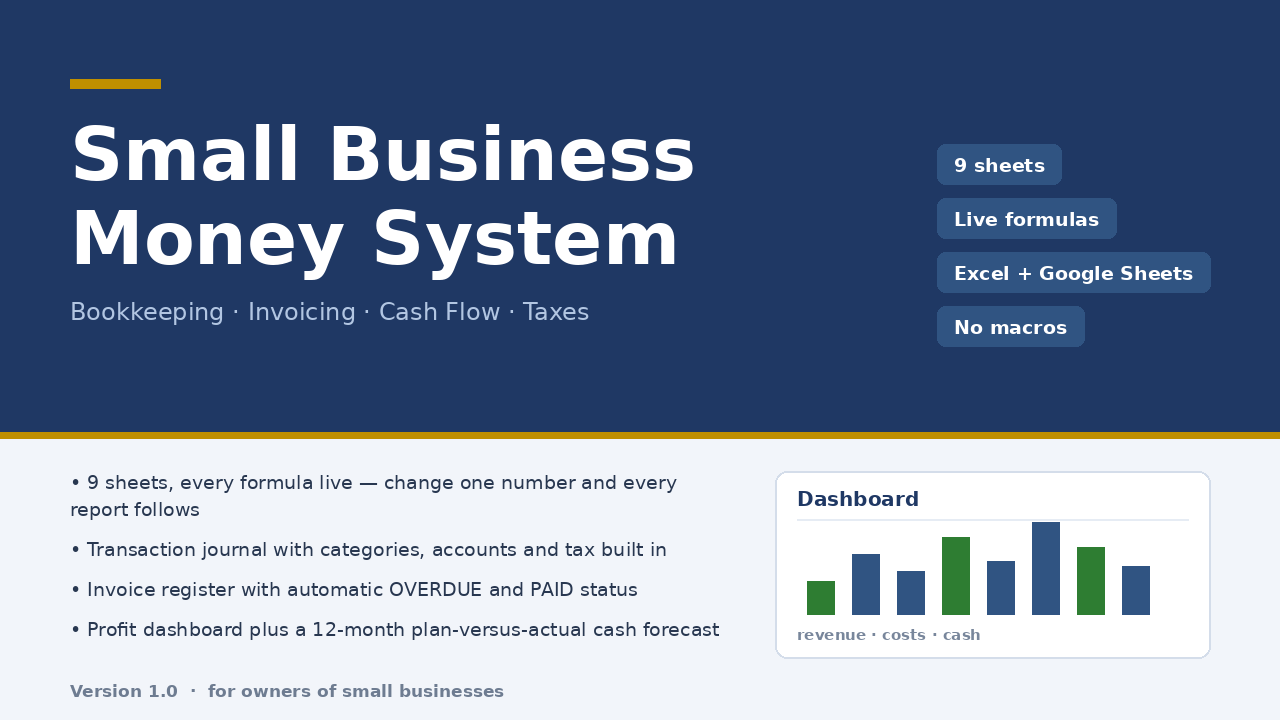
The difficulty with free templates is not the grid but the cycle: nothing connects the journal to the reports, and nothing carries the month forward. Micro-Business Money System is a nine-sheet workbook that keeps the cycle whole. A 300-row journal is the only place money enters; a 60-row invoice register computes PAID, OVERDUE and PARTIAL by formula; a dashboard reports revenue, costs, profit, margin, cash on hand, receivables, payables and tax collected; a 12-month cash flow sheet sets plan against actual; and the tax estimate follows the rate you enter. No macros, ten minutes of setup, $47 once.
Honest limits: it is an .xlsx workbook that opens in Excel and imports into Google Sheets — dropdown lists and conditional formatting after import were not verified in this build, so check the lists first. It does not connect to your bank, does not do multi-currency or inventory, and its tax sheet is an estimate at your own rate, not tax advice. Checked with 22 structural checks and 85 number reconciliations against an independent model, zero discrepancies.
Read the full description — $47 once
On Getly the workbook is in the shop ZRN Tools — Small Business Spreadsheets; the listing is still in the marketplace’s review queue, so its own page is not public yet — this block becomes the direct purchase link as soon as it is approved.