Income Expense Spreadsheet for Small Business
For the owner who wants one file that answers the same question every time it is opened — did the business make money this period, and where did the money go — without hiring a bookkeeper or learning an accounting suite.
Who this page is for
You run a business of one to ten people. Money arrives from a handful of clients and leaves for supplies, software, subcontractors, fuel, insurance and tax. You have a bank app, a shoebox of receipts and a general feeling about how the month went. What you do not have is a number you would trust enough to act on — or to show a lender.
An income expense spreadsheet is the smallest honest answer to that. It is not accounting software and it is not a payroll service. It is a ledger — one row per movement of money — plus the handful of reports that fall out of it. Get the ledger right and everything else is arithmetic.
Earned, received, spent: pick the question first
Most confusion around these sheets comes from trying to answer two different questions in one grid.
- What did the business earn? That is revenue: every sale, whether or not the customer has paid yet. An invoice issued in March is March revenue even if it is settled in May.
- What is in the account? That is cash. It moves when money actually arrives or leaves, and it includes things that are not revenue at all — a loan draw, a deposit, sales tax collected for someone else to receive.
A usable sheet keeps both readable: a revenue view derived from the rows, and a cash view built from what actually settled. Without a type column and a paid flag, a sheet can show only one of the two.
What separates a working sheet from a pretty grid
Five things do the work. Everything else is formatting.
- One place where money enters. One journal, one row per real movement, with a type that says income or expense. If the same amount can be typed on two sheets, the two will disagree within a month.
- A fixed set of categories. Free-text categories become ten spellings of the same word. Income categories and expense categories defined once in a list, chosen from a dropdown, never invented inside a row.
- Gross, tax and net as separate columns. A number that lumps tax into the total cannot be split back out later, and sales tax collected is not your money. The sheet must be able to show the part that is yours.
- Formulas, not typed totals. Every figure at the bottom of the sheet or in a report must be computed from the rows. A total typed by hand stops being true the moment a row is added.
- A paid or unpaid flag. An income row for an invoice is not cash until it is marked paid. Without that flag the sheet silently mixes what you earned with what you received.
If a template fails the first two requirements, you will be reconciling it by hand within a month — which is precisely the job the sheet was meant to remove.
Where the free templates stop
The measured results for this query are crowded with free files. It is worth knowing what kind of free they are, because the limitation is structural rather than a matter of taste.
- Vendor lead magnets. Payments and accounting companies publish a free income and expense tracker to collect an email and introduce a paid product. The file is usually competent and deliberately narrow: it tracks expenses, which is not the same as tracking the business.
- Single-purpose forms. One sheet for mileage, one for receipts, one for monthly totals. Useful as a form, useless as a book, because nothing connects the rows to a profit figure.
- Files built for a different life. Many of the most-downloaded personal finance sheets are designed for a household or a rental property, where the categories and the tax logic differ from a business that issues invoices and collects sales tax.
Setting it up, step by step
- Decide the unit of a row. One row equals one movement of money — a sale, a payment, a bill, a purchase. Write that rule at the top of the sheet and never break it. Mixed granularity is the most common reason a home-made book stops reconciling.
- Write the column list before you type any data. At minimum: date, type (income or expense), category, counterparty, description, amount before tax, tax, total, paid (yes or no), reference. Ten columns cover almost every business of this size.
- Build the category list once, in its own block. Income categories, then expense categories, then a dropdown in the journal that reads from them. This is the difference between a report you can sort and a list you clean by eye.
- Open a starting balance. One row per account that holds business money, dated. Without an opening balance the sheet cannot tell you cash on hand, only the sum of the movements you happened to enter.
- Enter last month backwards, before this month forwards. Fill the previous month from the bank statement first. It is faster, it proves the sheet adds up to reality, and it exposes the categories you got wrong.
- Add the two reports before you need them. A monthly total by category and a profit figure — income minus expenses for the period. Both read from the journal; neither is typed.
- Set the update rhythm. Once a week, same day, ten minutes: enter rows, check the closing balance against the bank, glance at month-to-date profit. The rhythm matters more than the file.
Mistakes that break the numbers
- Recording tax collected as income. Sales tax sits in your account but belongs to the authority. Counted as revenue it inflates every profit figure, and the shortfall appears later, at remittance, as a surprise.
- Typing totals instead of computing them. A subtotal overwritten by hand stops matching its own rows, and the error is invisible because the sheet still looks tidy.
- Mixing personal and business rows. One coffee on the business sheet is a category argument; a year of them makes the profit number meaningless. Separate sheets, even inside one file.
- Inserting a row above the totals range. This is the classic way to leave a transaction outside every sum, and nothing on the sheet signals it.
Frequently asked questions
Questions below are the actual search phrasings from Google Suggest (US), measured 2026-10-26.
- How to make an income and expense spreadsheet that still reconciles in month three?
- Decide the row unit, list the columns, build the category list, and add the opening balance before entering data. Then run one weekly update on a fixed day. The sheets that die are the ones where categories were invented per row and totals were typed instead of computed.
- Is an income expense spreadsheet for small business enough, or is accounting software required?
- For a business of one to ten people with a handful of clients, a well-built sheet covers what you need to run the business and to see profit. Software earns its cost when you need bank feeds, payroll, multi-currency or a filed tax return — those are different jobs from knowing your own numbers.
- What is the difference between an income vs expense spreadsheet and a cash flow forecast?
- The sheet records what already happened; the forecast projects what will. One is the book, the other is the plan, and they only work together if the forecast draws its opening balance from the book instead of a hopeful figure.
- Which columns belong in an income and expense worksheet for small business?
- Date, type, category, counterparty, description, amount before tax, tax, total, paid flag, reference. Every extra column should come from a list rather than free text; every report should be computed from these ten.
- Do I need a dedicated income and expense tracker for small business, or can one sheet hold everything?
- One journal holds everything, with type and category columns doing the splitting. What you should not do is keep separate income and expense files: two files mean two ways to spell a category and a profit figure that needs manual repair.
When the free sheet stops being enough
A free income and expense template is a fair way to start. It stops being enough where income, cash and receivables must agree — and nothing in a single-purpose file makes them agree.
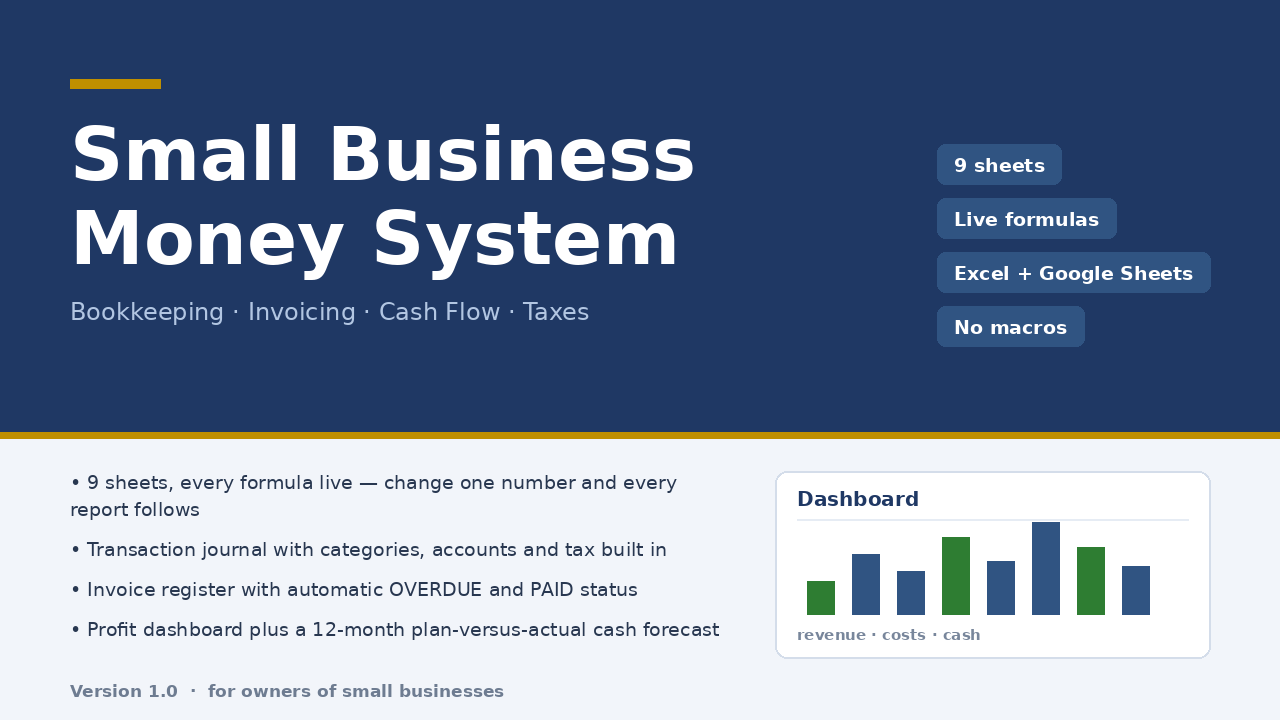
Micro-Business Money System is built for exactly that moment. A 300-row journal is the only place money enters, with separate gross, tax and net columns and a paid flag; a 60-row invoice register computes PAID, OVERDUE and PARTIAL by formula; a dashboard shows revenue, costs, profit, margin, cash on hand, receivables, payables and tax collected; a 12-month cash flow sheet sets plan against actual; and a tax estimate follows the rate you enter. Nine sheets, live formulas, no macros, ten minutes of setup, $47 once.
Honest limits: it is an .xlsx workbook that opens in Excel and imports into Google Sheets — dropdown lists and conditional formatting after import were not verified in this build, so check the lists first. It does not connect to your bank, does not do multi-currency or inventory, and its tax sheet is an estimate at your own rate, not tax advice. The file was checked with 22 structural checks and 85 number reconciliations against an independent model, with zero discrepancies.
Read the full description — $47 once
On Getly the workbook is in the shop ZRN Tools — Small Business Spreadsheets; the listing is still in the marketplace’s review queue, so its own page is not public yet — this block becomes the direct purchase link as soon as it is approved.