Cash Flow Forecast Template
A forecast answers one question: how much money will be in the account on the last day of each month — and a template is only worth using if it keeps answering that question after you stop being excited about it.
Who this page is for
Your revenue is lumpy. Some months two invoices land, some months one, and payroll, rent and supplier payments do not care. You are profitable on paper and still check the balance before approving a purchase. Or you are about to hire, buy equipment, or take on a lease, and you need to know whether the money is there in month four — not whether the year looks fine on average.
A cash flow forecast is the instrument for that question. Profit tells you what the business earned; cash flow tells you when the money is actually in the account, which is the number that decides whether you can pay someone on Friday.
What a forecast actually forecasts
Strip away the formatting and every cash flow forecast is one equation repeated down a column:
opening balance + money in − money out = closing balance
and then the closing balance of one month becomes the opening balance of the next. Everything else — categories, colours, a summary chart — is there to make that chain readable. If the chain is broken anywhere, the whole forecast is decorative.
Two further decisions shape the sheet:
- Direct or indirect. Direct lists actual receipts and payments by counterparty and date ("client A pays invoice 114 in week 2"). Indirect starts from profit and adjusts for non-cash items and working capital. For a business of one to ten people, direct is more honest, because you know your clients and suppliers by name.
- Monthly or weekly. Monthly is for planning a year; weekly is for surviving a quarter. Both are legitimate, and a business with thin buffers eventually needs both (this hub links to the weekly version).
What makes a forecast template usable
- Opening balance taken from reality. The first cell must be the actual bank and cash balance on a specific date, and every later month must roll forward by formula. A forecast that starts from an assumed figure is a wish with columns.
- Dated inflows, not averages. "Revenue: about the same as last month" is not a forecast. Payments in, by expected date and by client, with the amount and the invoice they belong to.
- Outflows with due dates, including the boring ones. Payroll dates, rent, VAT or sales tax remittance, loan instalments, software renewals, quarterly estimated tax. The items people forget are precisely the ones that bounce.
- Plan versus actual in the same row. Without an actual column, the forecast drifts into fiction within two months and nobody notices.
- One update rhythm. A forecast is a rolling instrument: update the actuals, re-forecast the next months, once a week or once a month, on a fixed day. The rhythm matters more than the template.
Where the free templates stop
The measured results for this query are again filled with free files: banks and accounting vendors publish a monthly cash flow template as a lead magnet, and spreadsheet suites ship one in their template library. They are decent single sheets. What they consistently lack is a connection to your actual bookkeeping — so the "actual" column is either empty or maintained by hand, and the closing balance in the forecast slowly stops matching the bank.
Two more gaps show up in practice. Free templates usually forecast twelve months but not the near term, where the risk actually lives; and they rarely separate cash from tax, so a good month looks better than it is because the sales tax sitting in the account is counted as available money.
Setting it up, step by step
- Pick a start date and an opening balance. Use the real balance of every account that holds business money, on one date. Write the date into the sheet — a forecast without a start date cannot be checked later.
- List your inflow lines. Name the clients and the recurring sources. One line per expected payment, with the expected date and the invoice number it settles. Do not use a single "sales" row: it hides the client who is late.
- List your outflow lines by nature. Payroll and contractors, rent and utilities, suppliers, software and subscriptions, loan and lease payments, tax remittances, one-off purchases. Give each a typical date in the month, because timing, not amount, is what breaks a forecast.
- Put twelve months across the top. One column per month, opening balance first, then inflows, then outflows, then closing. Closing of one month equals opening of the next, by formula, never by retyping.
- Add the actual column next to each plan column. Fill it from the bank statement at your update rhythm, and let a variance column show where you were wrong. The variance is the most useful part of the sheet.
- Keep tax money visually separate. Sales tax collected is not yours. Show it as a subtraction before you compute available cash, or you will spend it and meet it again in a remittance.
- Stress it once. Take the worst realistic month — biggest client pays a month late — and see if the closing balance goes negative. If it does, you have learned something worth the setup time.
Mistakes that make a forecast useless
- Forecasting profit instead of cash. Profit includes invoices you have not been paid for and excludes loan principal and equipment purchases. A forecast built from the profit and loss line will show money that is not in the account.
- Forgetting the payments that are not monthly. Quarterly tax, annual insurance, a software renewal, a deposit. Smooth them into the month they actually leave.
- Assuming receivables arrive on the due date. Model the lag you actually experience per client, not the terms you wrote on the invoice.
- Never updating the actual column. After two months the forecast is a historical document with a future tense.
- One version, overwritten weekly. Keep the file dated, or at least a notes line per update: what changed and why. Otherwise you cannot learn from your own misses.
Frequently asked questions
Questions below are the actual search phrasings from Google Suggest (US), measured 2026-10-26.
- Cash flow forecast template free — is it enough to start?
- For a first twelve-month picture, yes — download one, fill in real opening balances and named inflows, and you will learn more in an hour than from a week of reading. It stops being enough when you need an actual-versus-plan column that someone actually maintains, which free files rarely include.
- Cash flow forecast template Google Sheets — does it survive the transfer?
- Formulas usually do; formatting, dropdowns and conditional rules may not. After any import, open the settings block and the period headers first: if the dates arrived as text, every month-based sum will be quietly wrong and the file will look perfectly fine.
- Cash flow forecast example — what does a good one show?
- A dated opening balance, named receipts with expected dates, payments grouped by nature with real due days, a closing balance per period, and a variance column against last period's plan. If an example has none of those, it is a budget with a cash flow title.
- Cash flow forecasting methods — direct or indirect?
- Direct forecasts actual receipts and payments by counterparty; indirect starts from profit and adjusts for non-cash items and working capital. For a business of one to ten people the direct method is more honest, because you know who owes you and when you pay whom.
- Cash flow forecast template UK — does the tax line change by country?
- Yes, and not only in amount. What is collected, when it is due and whether it sits in your account as someone else's money differ by jurisdiction. Any template's tax rows are placeholders: replace the names and dates with the ones your own filing uses.
- Cash flow forecasting model — one sheet or several?
- One model, several views. Keep a settings block, a single grid with months across the columns, and a summary that reads from it. Splitting the forecast across files breaks the chain where one month's closing balance becomes the next month's opening, and that chain is the model.
When you want the forecast wired to the books
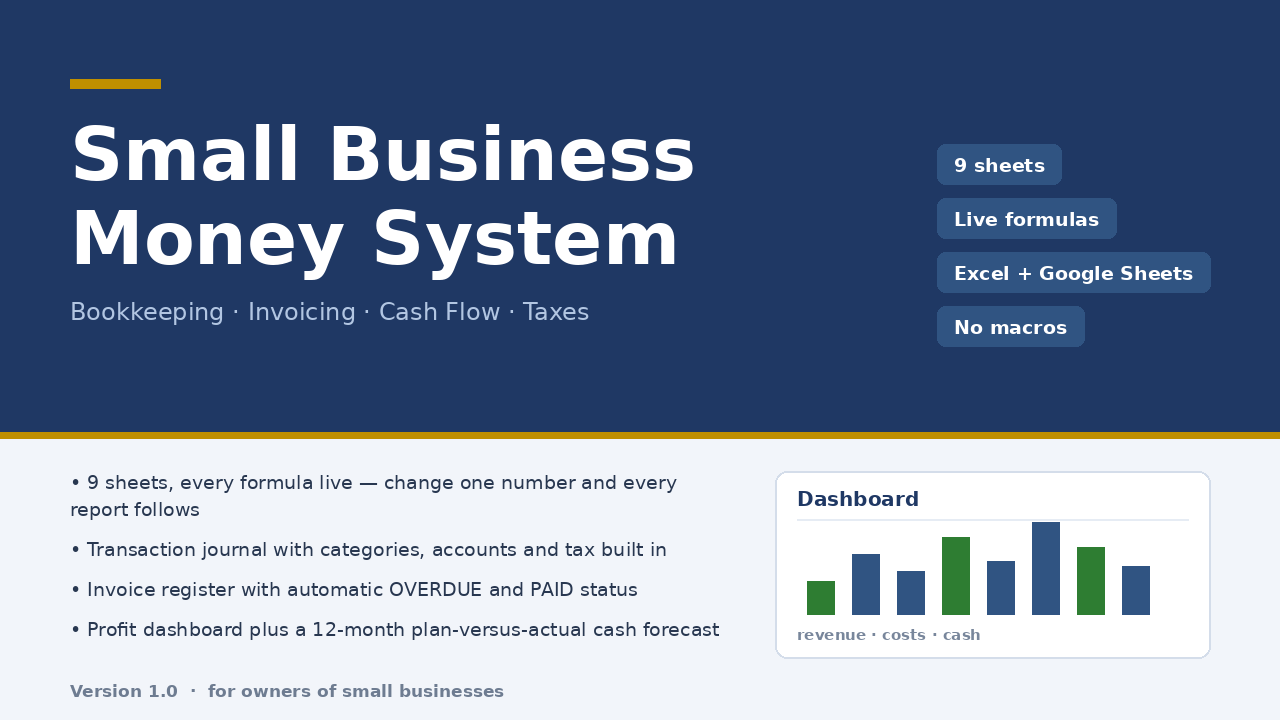
The weakness of a standalone forecast is that it lives in its own file, fed by hand. The workbook Micro-Business Money System keeps the forecast inside the same file as the bookkeeping: a 300-row transaction journal is the only place money enters, and the Cash Flow 12M sheet shows plan versus actual by month — money in, money out, ending balance — next to a dashboard with profit, margin, cash on hand, receivables, payables and tax collected. Nine sheets, live formulas, no macros, ten minutes of setup, $47 once.
Honest limits: it forecasts from what you enter, so it is only as good as your discipline about filling the journal. It does not connect to a bank, does not do multi-currency, and its tax sheet is an estimate at the rate you set, not tax advice. The file was checked with 22 structural checks and 85 number reconciliations against an independent model, with zero discrepancies; it was not opened in a real desktop Excel in the checking environment, and dropdowns after a Google Sheets import should be verified.
Read the full description — $47 once
On Getly the workbook is in the shop ZRN Tools — Small Business Spreadsheets; the listing is still in the marketplace’s review queue, so its own page is not public yet — this block becomes the direct purchase link as soon as it is approved.